


By subscribing, you agree to receive news and offers from MB “PS Vilnius” by email. You can unsubscribe at any time using the link in an email. Privacy policy.


Navirec GPS PRO
Code: NavirecPrice 2400 € VAT incl.( 1983 € VAT excl. )In stock.12-month licence for 1 device.
Real-time GPS tracking.
Trip history for up to 5 years.-
GPS PRO · NAVIREC
GPS tracking and fleet management
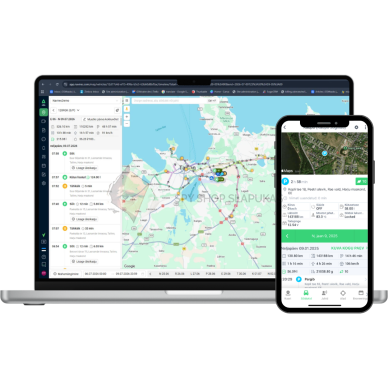
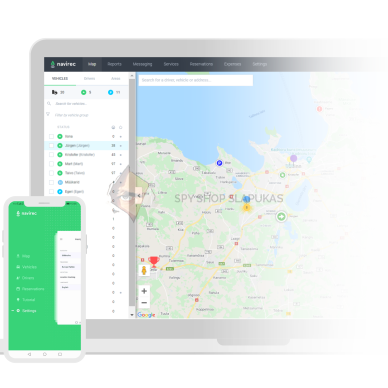
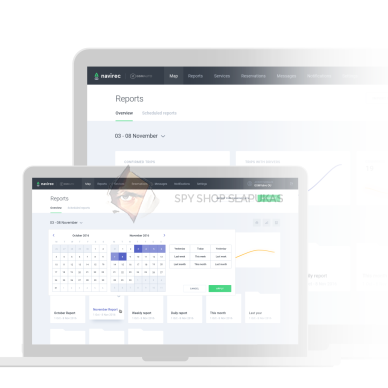
Track vehicle locations, review trip history and analyse vehicle use in one platform. Access your data conveniently in a desktop browser or mobile app.
12 monthsserver service5 yearsdata history1 deviceper licenceTry DEMOLogin details
Username: demo@navirec.comPassword: Salasona-123For everyday fleet management
Navirec platform features
Choose a feature and expand its detailed description.
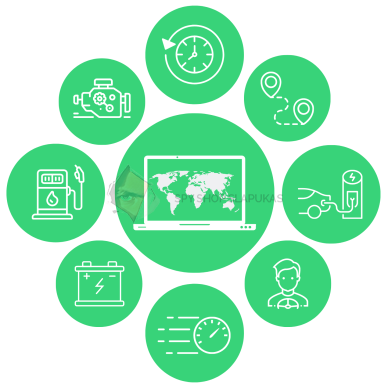
Feature availability depends on the connected hardware and the services enabled for your account.Real-time GPS tracking
Vehicle location, movement and status on one map.Explore featuresCollapse descriptionSee where a vehicle is, which route it is taking and when a trip starts or ends. Monitor a single vehicle or an entire fleet from one account.
- View location, speed and GPS device status.
- Choose suitable maps and traffic information layers.
- Additional readings, such as voltage or fuel level, are shown when transmitted by the hardware.
Trip history
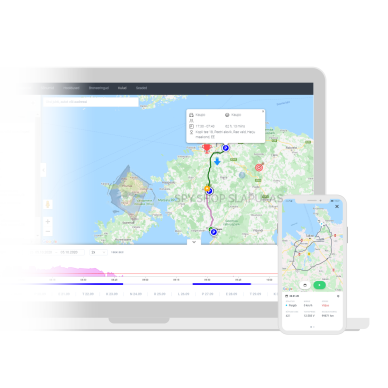
Route playback and data comparison.Explore featuresCollapse descriptionSelect a vehicle or driver and a time period. Replay movements on the map and compare routes and trip progress with the readings recorded at the time.
- Trip start and end, duration and distance travelled.
- Stops, their locations and idling periods.
- Timestamped graphs of speed and other transmitted parameters.
- This GPS PRO offer includes 5-year data retention.
Geofences
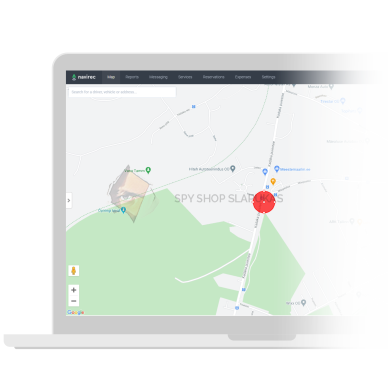
Monitor arrivals, departures and time spent on site.Explore featuresCollapse descriptionMark company premises, customer addresses, warehouses or loading areas on the map. Defined zones let you analyse visits and set alerts for movements within them.
- Circular or polygon-shaped areas.
- Entry and exit alerts.
- Analysis of time on site, parking and loading.
Route planning
A clear route, distance and estimated duration.Explore featuresCollapse descriptionEnter departure and destination points and add intermediate stops. Previewing the route helps you assess the trip before departure and organise the day's tasks.
- Plan trips with multiple stops.
- View the route on the map, total distance and duration.
- Compare the planned route with vehicle locations.
ECO driving analysis
Driving habits that affect operating costs.Explore featuresCollapse descriptionAnalyse driving style and identify actions that increase fuel consumption or vehicle wear. Use actual trip data to support driver training.
- Harsh acceleration, braking and cornering.
- Speeding and engine idling.
- Driver comparisons and changes in driving habits over a selected period.
Reports and trip logs
Summaries of trips, drivers and fleet activity.Explore featuresCollapse descriptionCreate reports for selected periods, vehicles and parameters. Automatic trip logs keep journey information organised and reduce manual record keeping.
- Routes, trip times, mileage and stops.
- Trip purpose, type and driver information.
- Fuel, sensor, temperature and ECO reports when the relevant data is available.
- Scheduled reports sent by email.
Mobile app
Navirec on your phone and in a desktop browser.Explore featuresCollapse descriptionUse the platform at work and on the move. The Navirec app is available for Android and iOS, providing convenient access to key vehicle information on your phone.
- Vehicle locations, statuses and trip history.
- Reports, geofences and bookings.
- Add trip types, purposes and comments.
- Hardware-supported remote commands according to user permissions.
Automatic alerts
Stay informed about important events.Explore featuresCollapse descriptionChoose the events and vehicle status changes you want to be notified about. Alerts can be recorded in the system or sent by email and SMS, depending on the service settings.
- Speeding, trip start or trip end.
- Geofence crossings or loss of GPS signal.
- Changes in voltage, fuel level or temperature when transmitted by the hardware.
- SMS availability and charges are confirmed separately.
Maintenance log
Servicing, repairs and reminders.Explore featuresCollapse descriptionPlan vehicle maintenance and keep a record of completed work. Upcoming services and condition notes in one place make fleet administration easier.
- Service intervals based on date, mileage or engine hours.
- Record completed and planned repairs.
- Driver comments on vehicle condition.
- Reminders for responsible staff.
Vehicle booking
An availability calendar for shared vehicles.Explore featuresCollapse descriptionOrganise vehicles shared by several employees in one calendar. Visible availability helps plan trips and avoid overlapping bookings.
- Book a vehicle for a selected period.
- Booking user, time and trip purpose.
- Booking information and vehicle usage reports.
- This feature requires activation in the account.
Digital vehicle inspection
Vehicle condition, notes and photos.Explore featuresCollapse descriptionDrivers can complete a vehicle inspection form tailored to your company's needs on their phone. This makes it easier to report damage or defects to the fleet administrator.
- Inspection questions and selectable answers.
- Damage photos and comments.
- Update condition information linked to the vehicle.
- The inspection form and its integration require setup.
Driver communication
Addresses, coordinates and work information.Explore featuresCollapse descriptionSend drivers the information they need for a trip directly from the system. Written messages can be checked again, helping prevent information from being lost when daily plans change.
- Send an address or coordinates from the map.
- Navigation links to Google Maps.
- Work information by email or SMS according to enabled services.
Adapt the platform to your needs
Additional features and hardware
Compatible sensors, controllers and additional services provide further capabilities.
We confirm the required hardware, activation and pricing for these features based on your vehicle and chosen GPS device.Fuel monitoring and CAN data
Fuel consumption and vehicle operating data.Explore featuresCollapse descriptionWith compatible equipment, you can monitor CAN data from the vehicle or readings from separate fuel sensors. This helps compare consumption and identify unusual changes in fuel level.
- Remaining fuel, refuelling and consumption.
- Mileage, engine speed, operating hours and other supported parameters.
- Compare fuel data by vehicle, driver or time period.
- Requires a compatible GPS device, CAN connection or additional sensors; available readings depend on the vehicle.
Temperature monitoring
Monitor cargo conditions throughout the trip.Explore featuresCollapse descriptionTemperature sensor data lets you monitor the cargo area and review changes throughout a trip. Set acceptable limits so the system can alert you to deviations.
- Real-time temperature readings.
- History graphs and temperature reports.
- Alerts when upper or lower limits are exceeded.
- Requires compatible temperature sensors and a tracker that transmits their data.
Driver identification
Know who drove a vehicle and when.Explore featuresCollapse descriptionLink trips to individual drivers, even when several employees use the same vehicle. Identification data adds detail to trip and driving style reports.
- Driver identification using an RFID card or iButton key.
- Vehicle usage and driving time records.
- Compare driver activity in reports.
- Requires a reader, identification devices and correctly configured equipment.
Remote tachograph download
Tachograph and driver card data.Explore featuresCollapse descriptionWith compatible hardware and an activated service, tachograph data can be downloaded remotely. This is useful for transport companies whose vehicles spend extended periods away from base.
- Automatic download of vehicle and driver card data.
- DDD file storage and export.
- View driving and rest times where supported.
- This is a separately arranged service requiring a compatible tachograph, connection and activation.
Door and starter control
Remote commands for compatible vehicles.Explore featuresCollapse descriptionWith correctly installed control equipment, the Navirec app can send commands to lock or unlock the vehicle or inhibit the starter. These functions are available to account users with the appropriate permissions.
- Central locking control on supported vehicles.
- Starter inhibition to prevent the vehicle from starting.
- Requires a compatible controller, professional installation and configuration.
- Compatibility and command operation are checked for the specific vehicle.
Task management with GSMtasks
Task allocation and delivery routes.Explore featuresCollapse descriptionFor organising deliveries or mobile workers' tasks, the Navirec ecosystem can be complemented by GSMtasks. This solution is designed for task and route planning.
- Assign tasks to drivers.
- Create optimised delivery routes.
- Organise daily work around tasks.
- GSMtasks is a separate solution; its terms and ordering are agreed separately.
Find the right solution for your fleet
Tell us your GPS tracker model, vehicle and required features. We will help check compatibility and arrange server activation or renewal.
The licence covers 1 GPS device and is valid for 1 year. The service can be renewed when the period ends.
Before ordering
Frequently asked questions
What is the GPS PRO server?
It is a Navirec platform service for viewing and analysing GPS device data. It is ordered for 12 months; the GPS tracker, SIM data plan and additional hardware are selected separately.
How long is trip history stored?
This offer includes 5-year history retention. The service is valid for 1 year, so server access must be renewed annually. The retention period does not mean a 5-year subscription.
Will all the features described work with my GPS tracker?
Availability depends on the GPS device model, its connections, the vehicle and the services enabled for the account. Please confirm fuel, CAN, temperature, identification, tachograph and remote control capabilities with us before ordering.
Can I use it on my phone?
Yes. Navirec is available in a desktop browser and in Android and iOS apps. After signing in, you can access the information available for your account and connected hardware.
How do I choose equipment and renew the service?
Send us your GPS tracker model, vehicle and required features. We will help check compatibility, choose accessories and arrange server activation or renewal.

 Teltonika FMB920 – 2G GPS Tracker
Compact 2G GSM / GPRS vehicle GPS tracker with Bluetooth LE. 79 × 43 × 12 mm, IP54, 6–30 V DC power and a 170 mAh backup battery. Requires 2G coverage.
Price 3800 € - 8600 € VAT incl.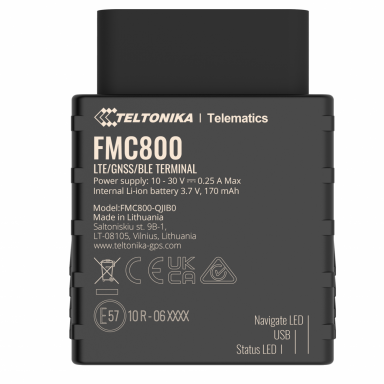
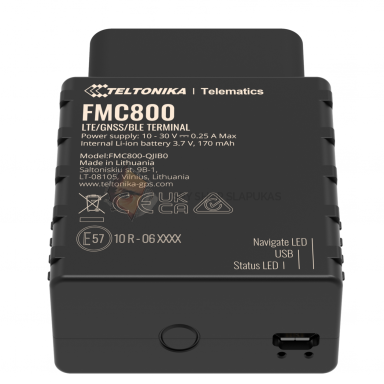 4G FMC800 TELTONIKA GPS Tracker
Dimensions: 67.2*49.6*25 mm. Standby time: 7 × 24 hours. Moisture resistance: IP41.
Price 7900 € - 13900 € VAT incl.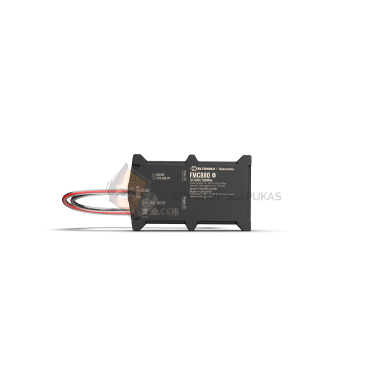
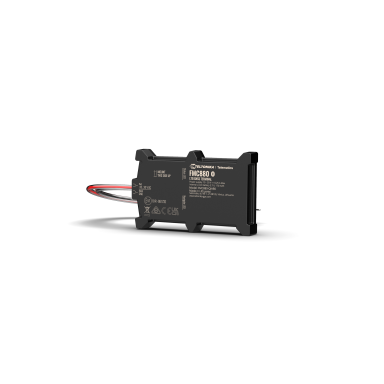
 Teltonika FMC880 – battery-mounted 4G GPS tracker
Battery-mounted 4G LTE Cat 1 GPS tracker with L1 + L5 GNSS and Bluetooth LE. 92.5 × 57.6 × 14 mm, IP65, 10–30 V DC supply and a 170 mAh backup battery.
Price 7800 € - 13800 € VAT incl.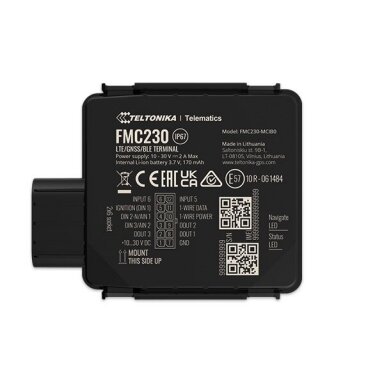
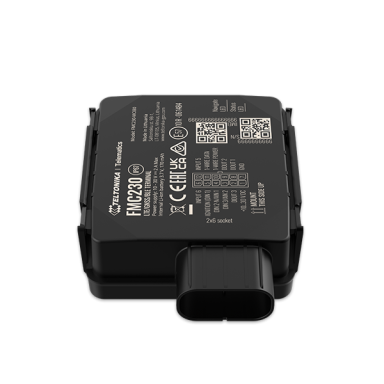 FMC230 TELTONIKA 4G GPS TRACKER
Dimensions: 70.5*67*25.6 mm. Standby time: 7*24 hours. Moisture resistance: IP67.
Price 7900 € - 11500 € VAT incl.

